A Guide to Vector File Formats: When Your Business Needs Them and How to Get Them Without a Designer
191 Views
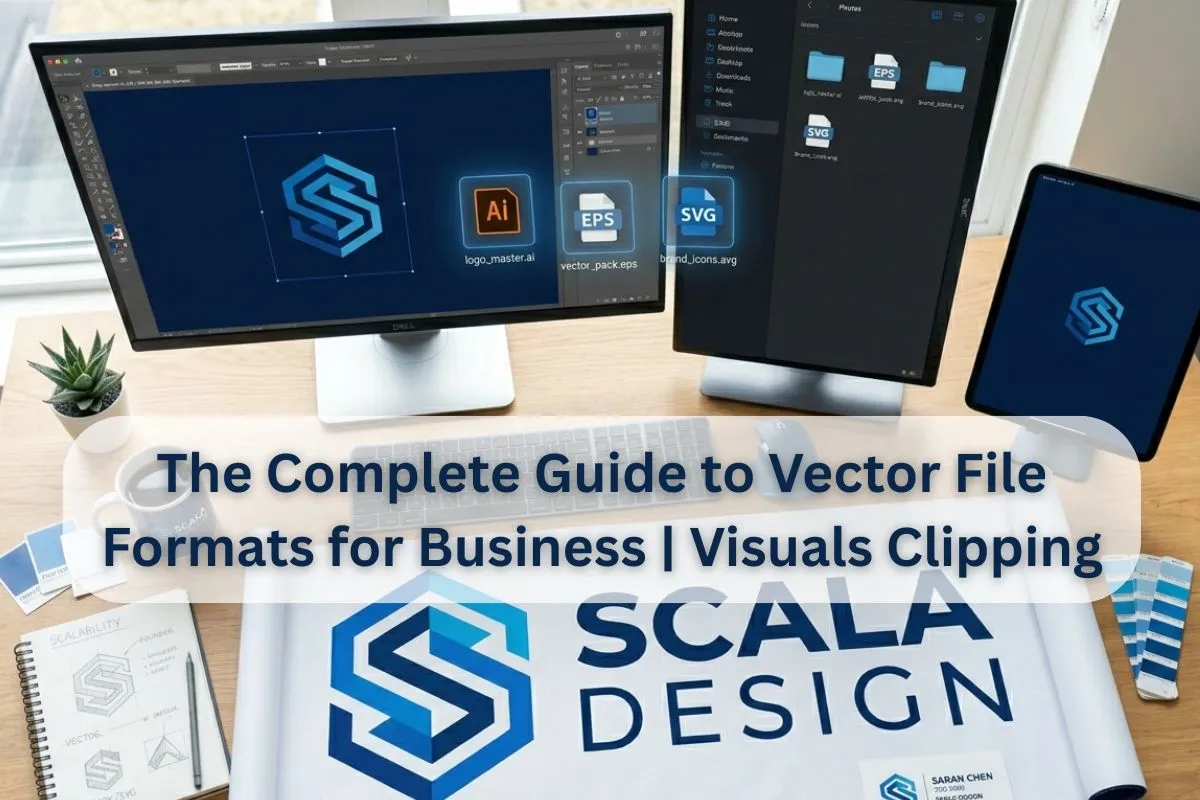
One thing we've all experienced is when we are ready to print those custom hoodies for the team or to launch a huge billboard campaign, the printing company sends an email back that has the feeling of being slapped in the face. We need a vector version of this, your JPEG is too low-quality.
You see a logo that you feel is totally fine on your laptop screen, but according to the pros, "unusable.All of a sudden, you’re looking at a logo that you believe is perfect on your laptop screen, but the pros say it's "unusable! That's where the world of vector conversion services will turn into your business's best friend. You need to know the difference between just a bunch of colored dots, and a bunch of mathematical paths, in order to keep your brand looking sharp, whether it's on a business card or on the side of a stadium.
What Is a Vector File and Why Does It Matter?
You have to be familiar with the "Raster" enemy before you can understand why you need a Vector. The vast majority of the images you will find on the internet, both JPEGs and PNGs, as well as GIFs are examples of raster files. They are made up of a grid of colored pixels. These pixels stretch when you attempt to explode them and the result is a blurry, "staircase" effect.
Vectors are different. They don't use pixels, they use mathematical equations to define the points, the lines and the curves. Vectors are not based on any grid, so you can blow them up to the size of Jupiter, and they'll stay as crisp as a fresh fall morning. If your business doesn't have a creative team, it is advisable to take a look at vector conversion services, because by employing these services, you will put your essential brand assets back together in this flexible format, which will spare you future "pixelated" headaches.
The Most Common Vector File Formats Explained
Not all vector files are created equal. Depending on your needs, you might encounter several different extensions. Here is a breakdown of the big players:
Adobe Illustrator (.AI)
- Best Use Case: The industry standard for creating logos and complex illustrations from scratch.
- Compatibility: High (typically requires professional software like Illustrator to edit).
Encapsulated PostScript (.EPS)
- Best Use Case: Known as the "universal" vector format, it is the preferred choice for professional printers and large-format outputs.
- Compatibility: Very High (can be opened by most graphic design programs).
Scalable Vector Graphics (.SVG)
- Best Use Case: The gold standard for websites, digital icons, and animations.
- Compatibility: Universal for all modern web browsers.
Portable Document Format (.PDF)
- Best Use Case: Often contains vector data; excellent for sharing documents that need to be viewed or printed anywhere.
- Compatibility: Universal across all devices and platforms.
Also Read: How to Turn Hand-Drawn Illustrations into Clean Vector Files
When Your Business Absolutely Needs Vector Files
If you are simply posting a picture of the office lunch on Instagram, a JPEG will suffice. However, vectors are unalterable for all other things.
- Large-Scale Printing: A vector is a vector for anything bigger than a single sheet of paper, including trade show banners, vehicle wraps and everything else in between. These files are resolution independent so that you can convert a small logo into a large display without loss of quality in the image.
- High-End Branding and Merchandise: Consider embroidery for polo shirt or laser engraving for a business gift. These machines does not "see" a pixel, they follow a path. The coordinates must be given to them by a vector file to know where the needle or laser should go.
- Web Performance and Scalability: Modern websites must be capable of displaying properly on a small mobile device to a 5K retina display. Using .SVG icons and logos means they will appear crisp at all zoom levels without slowing your site down.
The Biggest Problem for Small Businesses: No Original Vector File
The most difficult obstacle for SMBs is that they tend to take over “flat” files. Perhaps you got a PNG from a freelancer five years ago, or maybe you created your first logo using a simple app which isn't vector-based.
It's possible that you'll be tempted to use an "auto-trace" device online. Caution: please proceed with caution. Automated tools have a tendency to have difficulties with:
- Text Distortion: Melted look effect to your classy lettering.
- Color Muddying: Generation of thousands of meaningless small shapes that can't be edited in the file.
- Jagged Lines: When the outline that is formed is not smooth, but has many sharp edges.
That's where a dedicated vector artwork conversion service comes in handy. The human technician doesn't just trace over your original image, like a robot does, but works over your original image and ensures every curve is smooth and every font is perfectly matched.
What Quality Control in Vectorization Actually Means
You don't just pay for a file extension change when you invest in vector conversion services. They're expensive because you're paying for accuracy. A professional will see your logo and know that a circle should not merely be "mostly round," it should be the perfect mathematical arc. They keep the layers in order to guarantee that in case you ever require altering the color of one section of your logo, you can easily do it with a click.
In addition, manual vector conversion services perform the "clean-up" that automated software software cannot do. This involves eliminating duplicate paths, closing "open" paths that might jam a printing press, and making sure to use the correct color profile – print (CMYK) instead of screen (RGB).
How to Get Professional Vector Files Without Design Skills
You don't need to learn how to use Adobe Illustrator to get professional results. The procedure is quite straightforward:
- Round up the best assets: If you have a high-resolution logo, it may be a large JPEG (even if that's the case).
- Outline your output: Determine whether you need the file for web (html), print or other purposes.SVG) or print (.EPS or .AI).
- Leave it to the professionals: Have your file professionally recreated.
The advantage of opting for professional vector conversion services is that you don't have to go through the trial and error stage. You will receive a “master file” which will be the basis for your brand for years to come. It's an investment and saves from a lifetime of fuzzy marketing materials.
Conclusion
You don't need to know the ins and outs of file formats to keep your business from appearing professional. The format of a picture is called raster but your brand's identity is in a vector format. It ensures consistency, scalability and a level of polish that makes your customers feel that you care.
If you find yourself stuck with a pixelated logo and no designer in sight, Visuals Clipping offers a reliable solution by providing expert assistance in transforming low-quality images into high-precision vector files, ensuring that your business assets are ready for any medium, from digital screens to large-format prints.
How many different versions of your logo do you currently have saved in your files?